

Most business owners think of audiovisual gear as a one-time purchase. You buy a projector, a couple of monitors, some cables, and you’re set for years. That assumption falls apart the first time a sales presentation stutters because of a bad HDMI handshake, or when a conference call drops video because someone grabbed the cheapest cable off the shelf. The real costs in AV aren’t in the hardware itself; they’re in the replacements, the downtime, and the hours spent troubleshooting problems that shouldn’t exist.
A growing number of small and mid-sized companies are starting to buy bulk HDMI cables and standardize their AV inventory rather than picking up random cables piecemeal. The logic is straightforward: when every room runs the same cable spec, troubleshooting takes minutes instead of hours. And buying in volume from a single supplier usually cuts the per-unit cost by 30 to 40 percent compared to retail.
The Piecemeal Trap That Catches Almost Everyone
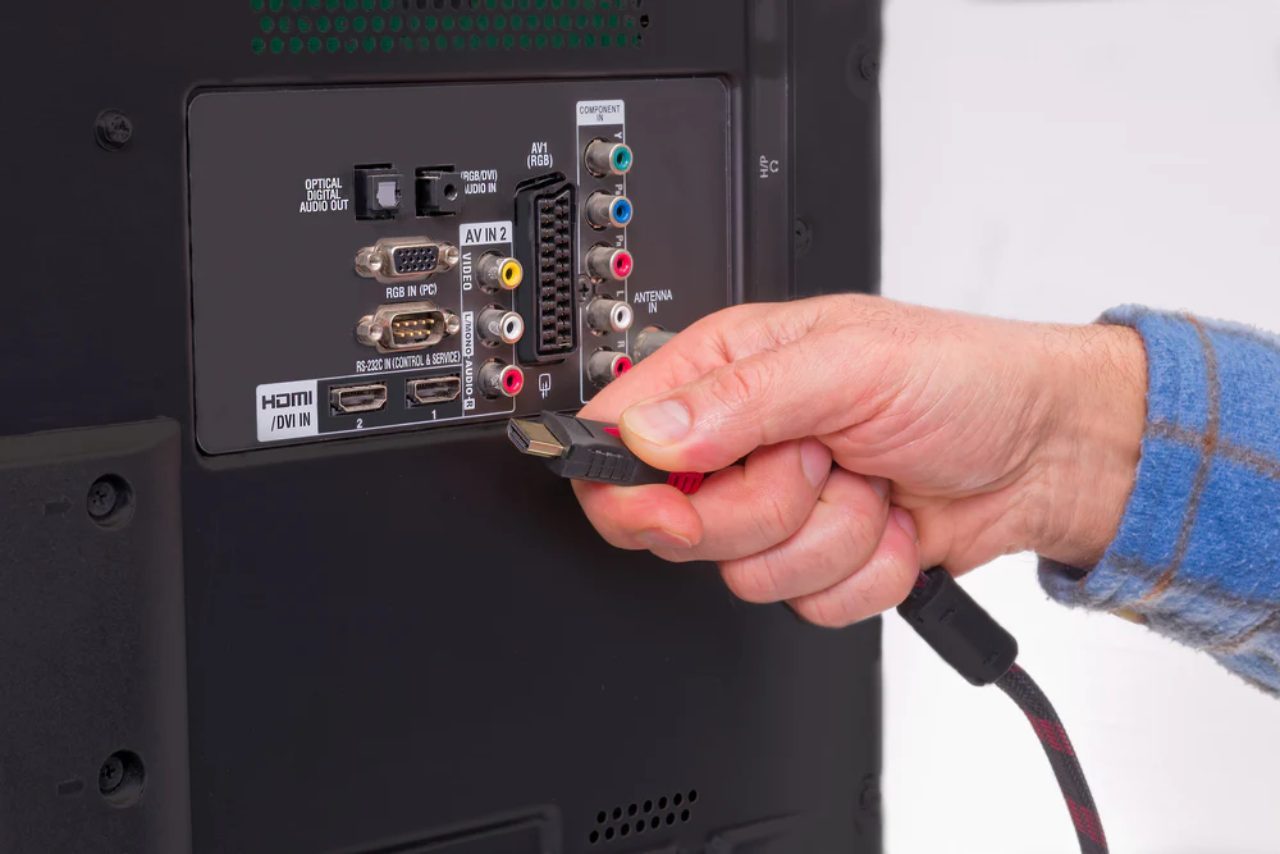
It starts innocently. Someone needs a cable for the new TV in the break room, so they order one from whatever seller shows up first. A month later, the CEO wants a second monitor at their desk, and a different cable arrives. Within a year, the office has a drawer full of cables from six different brands, three different HDMI versions, and nobody knows which ones support 4K.
This kind of drift is so common that the U.S. Small Business Administration specifically flags unplanned incremental purchases as one of the top budget leaks for growing companies. It applies to office supplies, software licenses, and AV gear equally. The fix isn’t complicated, but it requires someone to actually write down what the office needs and buy accordingly.
Why Cable Quality Matters More Than Cable Price
Not all HDMI cables are the same, even if they look identical. The HDMI Forum maintains certification standards that define bandwidth, signal integrity, and feature support for each cable tier. A Standard HDMI cable maxes out at 1080i. A Premium High Speed cable handles 4K at 60Hz with HDR. An Ultra High Speed cable pushes 8K.
The practical difference shows up fast in a business setting. A cable rated for 1080p will technically connect to a 4K display, but the image gets downscaled, text looks soft on shared documents, and video calls lose detail. People assume the monitor is the problem. They spend $400 replacing a screen when the real issue was a $6 cable.
Standardizing Without Overthinking It
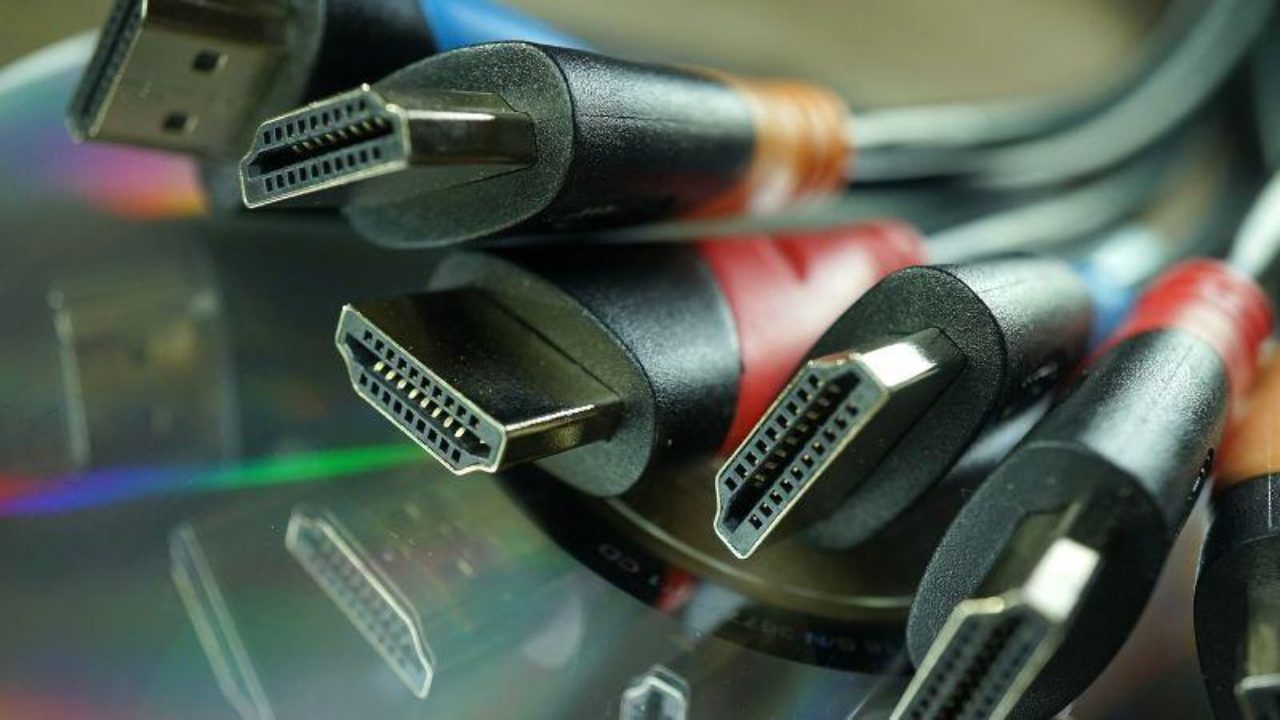
The simplest approach is to pick one cable specification that covers 90 percent of current use cases and buy enough to outfit every room plus a few spares. For most offices in 2026, that means Premium High Speed HDMI or Ultra High Speed HDMI 2.1 cables. The price difference between those two tiers has collapsed over the last two years.
Label your cables. Seriously. A strip of colored tape on each end, matched to a simple spreadsheet that logs what goes where, saves an absurd amount of troubleshooting time. It also makes it obvious when someone swaps a good cable for a garbage one they brought from home.
When you order, get cables in the two or three lengths your rooms actually need. A 10-foot cable in a room that needs 3 feet isn’t just ugly; it creates signal issues at higher resolutions if it’s coiled tightly behind equipment.
The Hidden Cost of Presentation Failures
There’s no line item in any budget for “the meeting that went badly because the screen was black for the first four minutes.” But those failures have real consequences. A sales team presenting to a prospective client over video loses credibility the moment someone starts crawling under the table to jiggle a connector. An internal all-hands that starts ten minutes late because IT is swapping cables burns collective salary time that adds up fast.
One midsized marketing agency calculated they lost roughly 22 hours per quarter to AV-related delays across their four conference rooms. At their blended hourly rate, that was over $8,000 a year in wasted time. Their fix cost under $200: they bought a standardized set of cables and adapters for every room, mounted them to the table with cable management clips, and posted a simple room reset checklist on the wall.
What an Actual AV Inventory Looks Like
For a company with three to five meeting rooms, the list is shorter than people expect. You need HDMI cables in two lengths per room, one USB-C to HDMI adapter per room for laptop users, a couple of spare cables in a labeled drawer, and a basic HDMI switch if any room needs to toggle between multiple sources. That covers it.
The mistake most people make is buying everything separately from different vendors over several months. When you consolidate into a single purchase, you control the spec consistency, you often get volume pricing, and you have one vendor to contact if something is defective. It turns an annoying recurring problem into a solved one.