

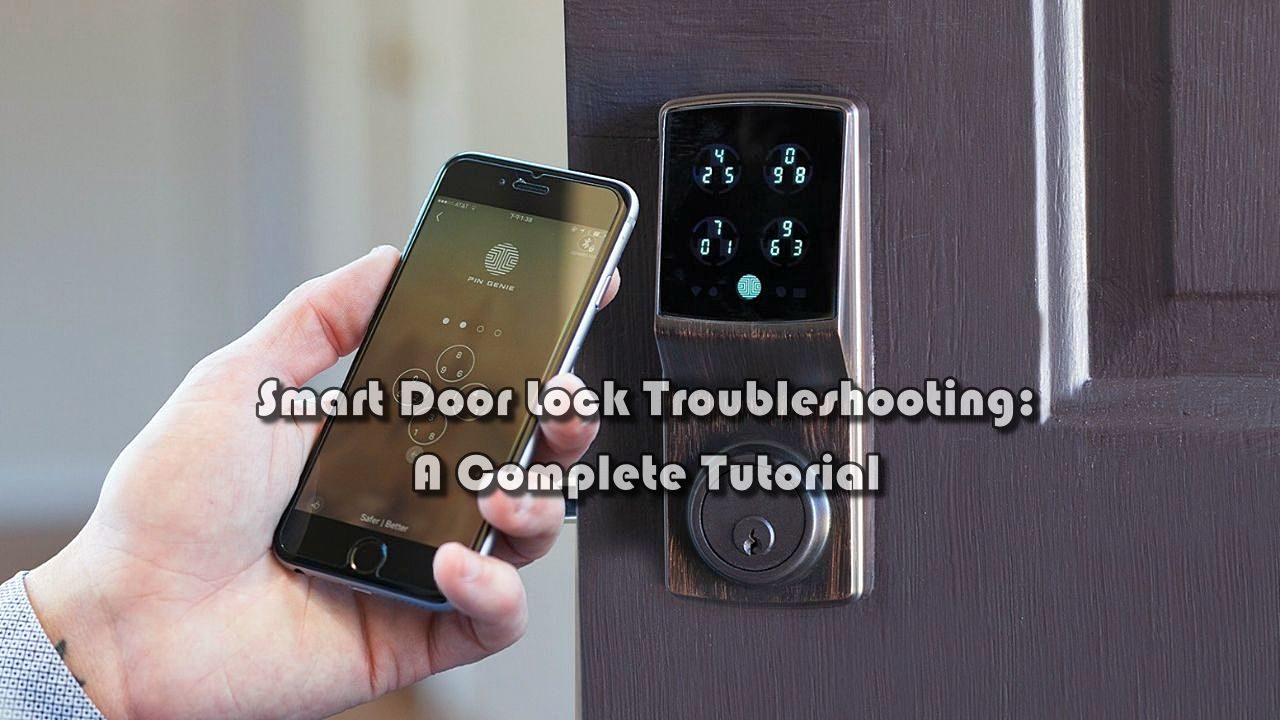
Smart door locks have transformed the way people manage access to their homes. With features like remote entry, biometric authentication, and mobile integration, they provide convenience and peace of mind. But just like any advanced device, they can occasionally run into issues. Knowing how to troubleshoot these problems saves time, reduces frustration, and keeps your home secure. If you are considering a smart lock for security door use, learning the basics of troubleshooting is just as important as installing it.
This guide explores the most common problems users encounter with smart locks, along with practical solutions. From connectivity errors to mechanical glitches, the following sections provide clear steps to diagnose and fix issues, ensuring your smart lock continues to work reliably.
Power and Battery Issues
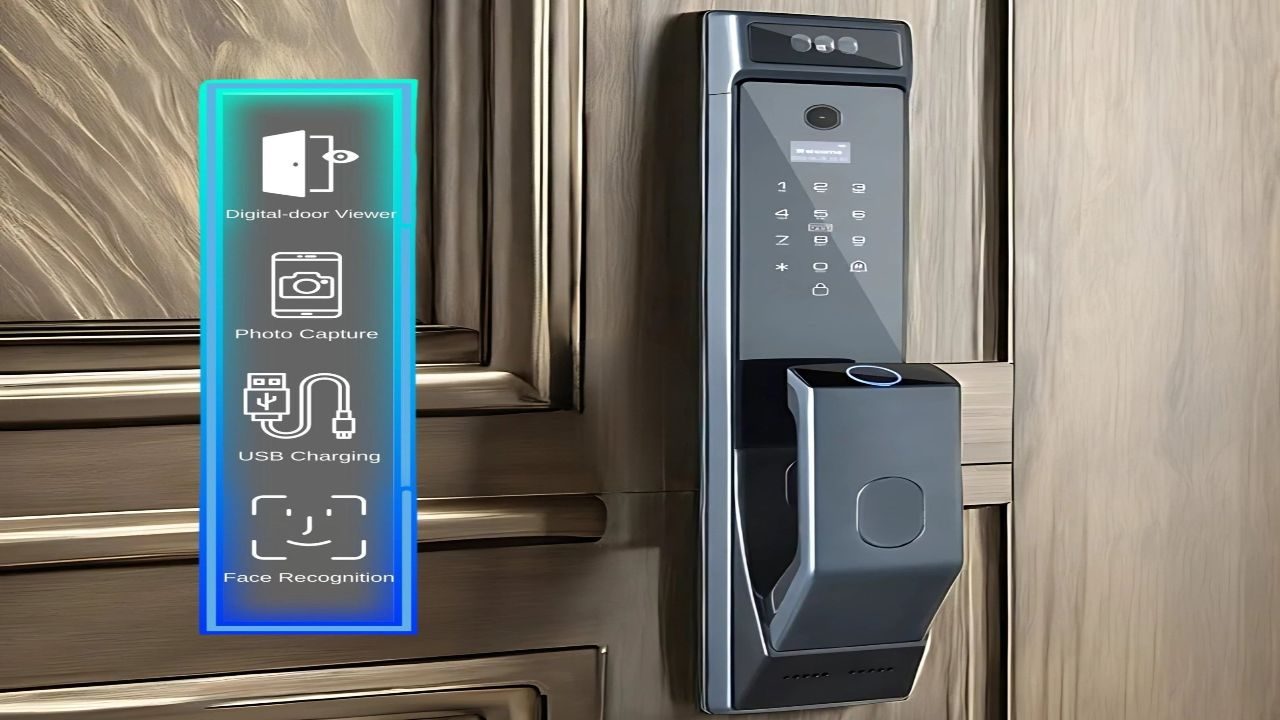
One of the most frequent causes of smart lock malfunctions is a simple power problem. Most locks run on replaceable or rechargeable batteries, and when they drain, the system can behave unpredictably. Signs of low power include delayed responses, dim indicator lights, or complete lock failure. Regularly checking battery levels and replacing them before they fully drain is the first step toward preventing unexpected lockouts.
In addition to monitoring battery life, always use the manufacturer-recommended battery type. Some locks require high-drain batteries, and using cheaper alternatives may lead to inconsistent performance. Rechargeable options can be convenient, but only if they deliver consistent voltage levels. If your lock keeps losing power quickly, it could be due to a firmware issue or a mechanical fault causing excess battery consumption.
Keeping a backup entry method is also essential. Many smart locks include a hidden keyhole or emergency charging port. Test these features in advance so you know they work when you need them most.
Connectivity Failures
Another common problem is the lock losing connection with Wi-Fi, Bluetooth, or a smart home hub. This can prevent you from using remote controls or receiving activity alerts. Before assuming the lock itself is faulty, check your home network stability. Weak Wi-Fi signals at the door can interrupt communication, while Bluetooth interference may come from other nearby devices.
When troubleshooting, start by resetting your network equipment and then the lock. Re-pairing the lock with your mobile app often resolves minor glitches. Updating firmware is equally important, as manufacturers frequently release patches that address connectivity problems. If the lock continues to drop its signal, consider installing a Wi-Fi extender or repositioning your router to improve coverage.
For locks integrated with larger smart home ecosystems, confirm that the platform itself is functioning. Sometimes the issue lies with the hub rather than the lock, and resolving this restores full functionality.
Mechanical Malfunctions
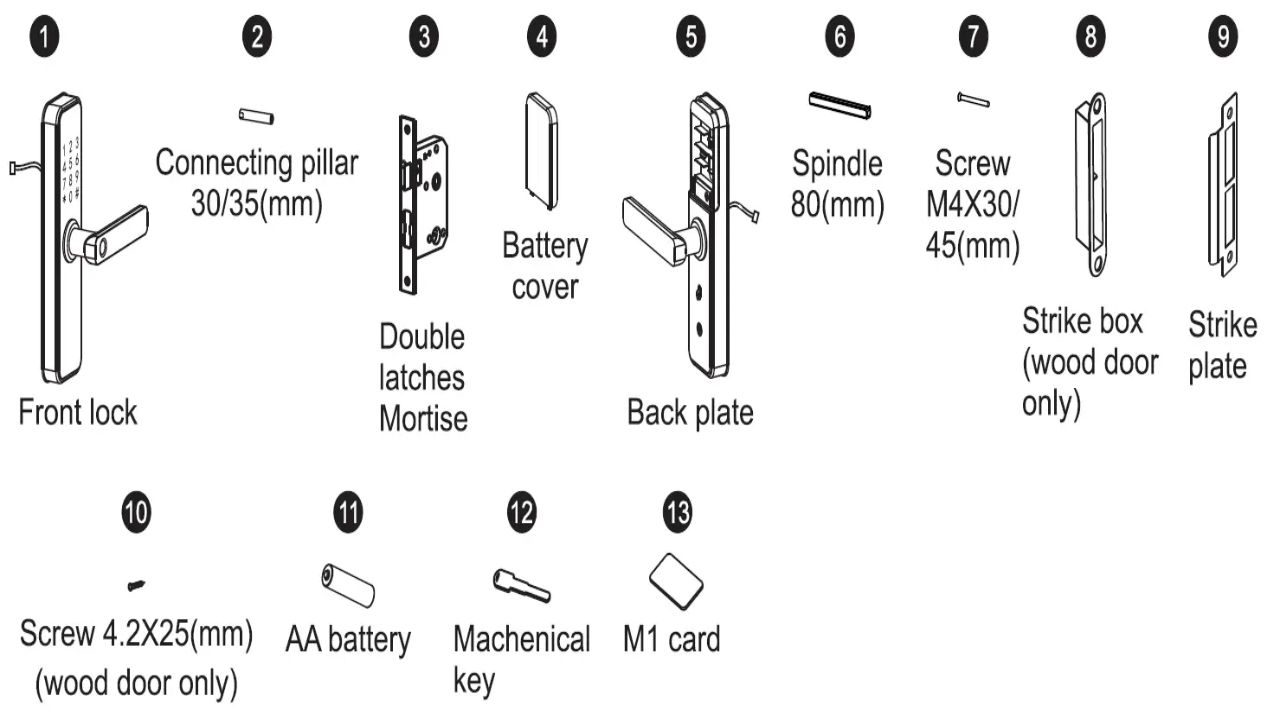
While most issues are electronic, mechanical parts can also cause trouble. Misalignment between the lock and the strike plate is one of the most overlooked problems. Even the best smart lock cannot function properly if the deadbolt does not slide smoothly into place. Seasonal changes in temperature can also cause doors to warp, making locks stick.
To fix alignment issues, tighten the screws holding the lock and adjust the strike plate if needed. Lubricating the bolt with a graphite-based solution can also improve movement. Avoid using oil-based products, as they attract dirt and may worsen the problem over time. If your lock jams frequently, it could be a sign of internal wear that requires professional servicing.
Installing a smart lock on an older or damaged door frame may also reduce reliability. Reinforcing the door and frame helps the lock perform as intended and prevents recurring mechanical failures.
Software Glitches and App Errors
Since smart locks rely heavily on apps and software, glitches in the mobile interface can affect usability. If the lock refuses to respond to commands, force-closing the app and restarting your phone often resolves temporary bugs. Ensuring your app is updated reduces compatibility problems with new operating system versions.
If the lock seems to misinterpret commands or responds with a delay, check the firmware. Most manufacturers provide easy ways to install updates directly through the app. Outdated software can cause recurring malfunctions, while updates often improve performance and add new features.
In cases where reinstalling the app does not solve the issue, a full factory reset of the lock may be required. This step clears all previous configurations and allows you to set it up as new. Just be prepared to re-add all user codes and settings once the reset is complete.
Access Code and Authentication Issues
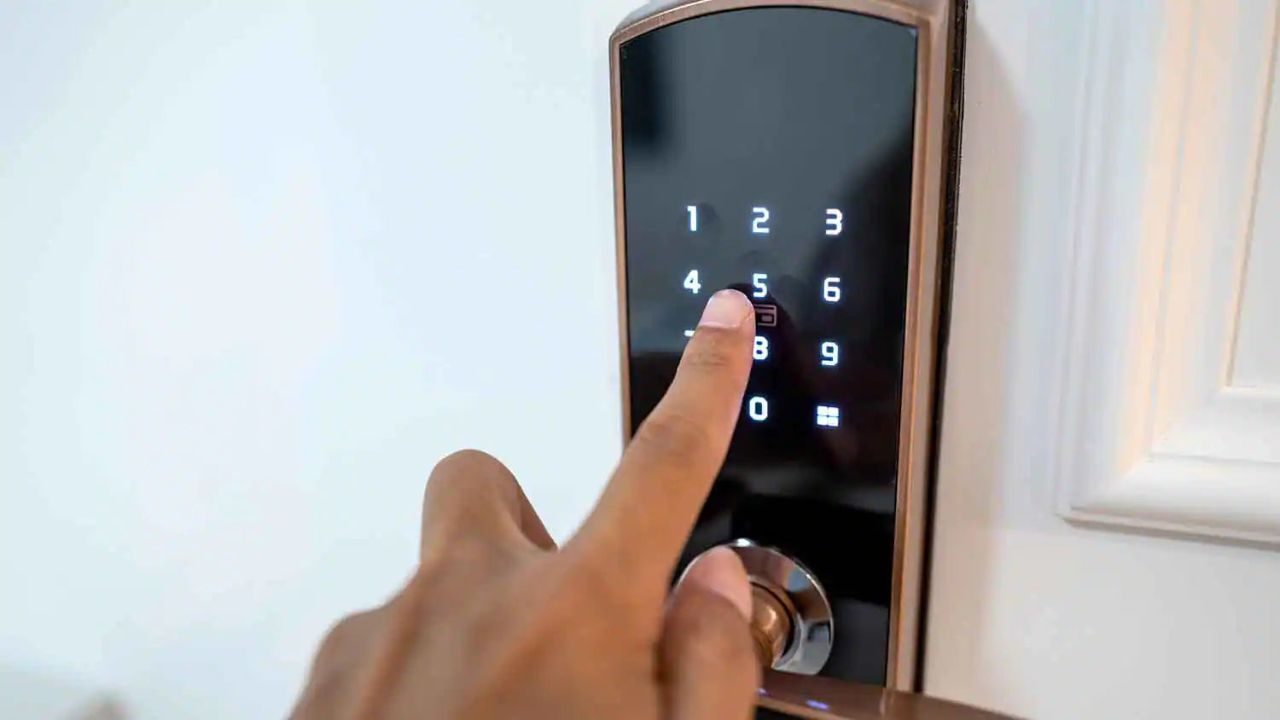
For locks that use PIN codes, biometrics, or RFID cards, authentication problems are common. Sometimes the issue is as simple as entering the wrong code or failing to place a finger properly on the scanner. Cleaning the keypad or fingerprint sensor can solve many recognition errors.
If access codes stop working, verify that they have not been disabled or expired within the system. Some locks allow temporary codes for guests or service providers, and these expire automatically. Updating or reprogramming the code usually fixes the problem.
For biometric locks, ensure fingers are dry and clean before scanning. If recognition errors continue, re-enroll fingerprints or facial data. Environmental factors like direct sunlight or moisture can affect sensor performance, so placing protective covers over outdoor locks may improve accuracy.
Security Concerns and Lockouts
A final issue users often face is lockouts due to malfunction or forgotten credentials. Smart locks are designed with security in mind, but this sometimes means strict lockout policies after multiple failed attempts. While this protects against unauthorized access, it can inconvenience the owner.
To prevent complete lockouts, always register multiple access methods. Keep a mechanical backup key in a secure location, and consider setting up secondary users with mobile app access. If your lock has an emergency power port, keep a portable battery nearby for reactivation.
For advanced users concerned about hacking or unauthorized access, enable multi-factor authentication within the app and review the lock’s security settings. Regularly monitoring access logs also provides insight into any unusual activity, giving you an added layer of protection.
Troubleshooting a smart door lock requires a balanced approach. Start with simple checks like power supply and connectivity before moving to more advanced fixes such as firmware updates or mechanical adjustments. By knowing the most common failure points, you can resolve many issues without professional assistance.
A smart lock provides both convenience and protection, but only when maintained correctly. Taking time to learn basic troubleshooting not only keeps your device functional but also ensures your home remains secure.